Identity Security
Phishing-Resistant MFA and Passkeys: A Practical Guide
Understand how phishing-resistant MFA and passkeys work, how FIDO2 and WebAuthn reduce verifier-impersonation risk, and how to plan rollout, recovery and India-ready controls.
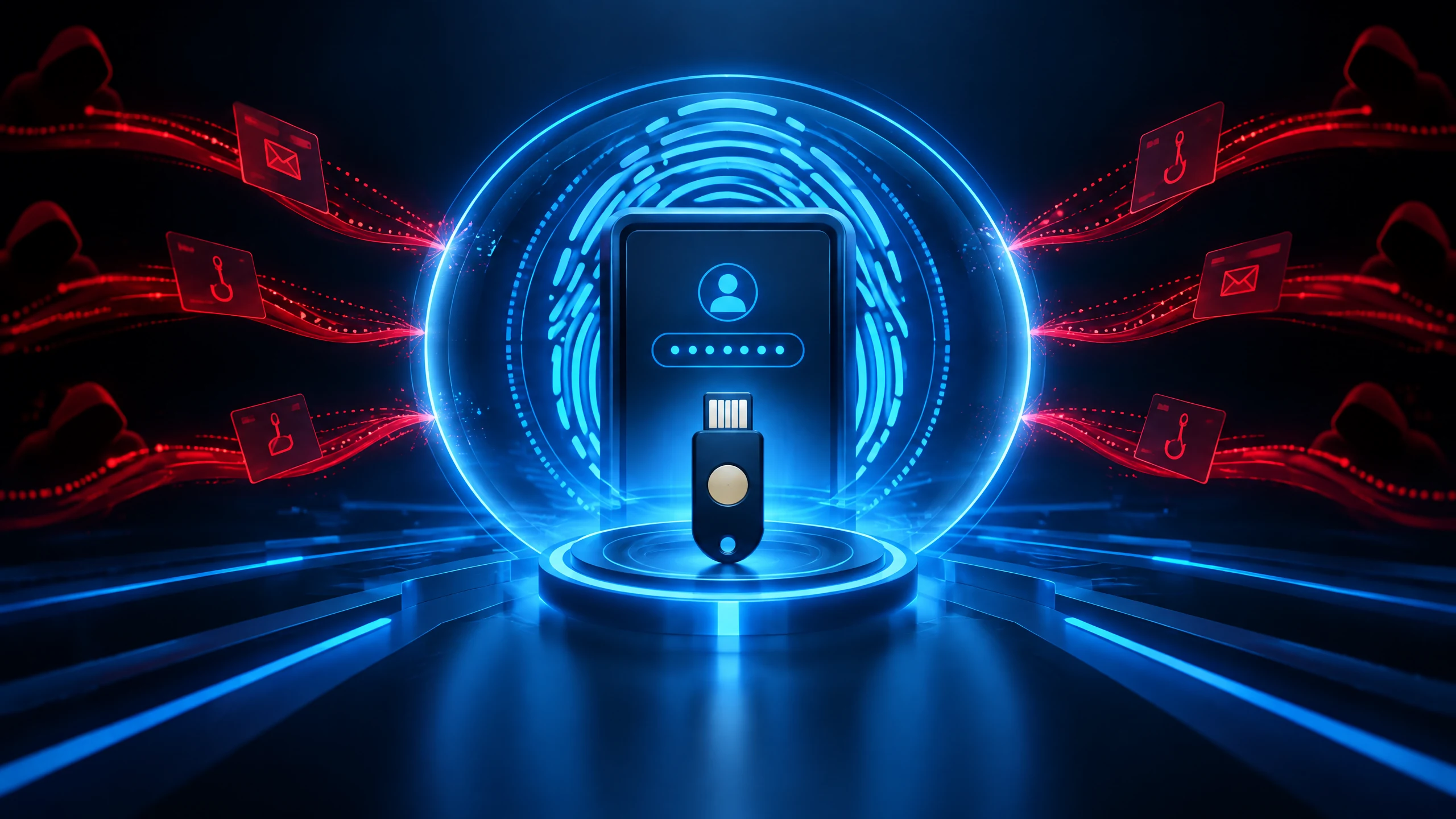
Phishing-resistant MFA** is the strongest direction for protecting sign-ins from fake websites and look-alike login prompts. Passkeys are one practical way to deliver it: they use public-key cryptography and bind the authentication ceremony to the legitimate website or app rather than asking a person to type a reusable code into a page. That makes the credential much harder for a phishing site to capture. The important distinction is that not every form of MFA offers the same resistance. SMS, one-time passwords and conventional push approvals can still face phishing, SIM-swap, push-bombing or social-engineering pressure. CISA describes phishing-resistant MFA as the strongest form of MFA and identifies FIDO/WebAuthn and PKI-based MFA as the relevant approaches. This guide explains the difference between ordinary MFA and phishing-resistant MFA, how passkeys fit into FIDO2 and WebAuthn, what synced and device-bound passkeys mean, and how to plan rollout without treating recovery or endpoint security as an afterthought. It also translates CERT-In’s passkey guidance into practical questions for Indian organisations. > **Key Takeaways > - Phishing-resistant MFA uses an authentication method that can recognise the legitimate verifier, rather than relying only on a code or approval. > - Passkeys use origin-bound public-key cryptography and can provide phishing-resistant authentication when configured with a device biometric or PIN. > - Synced passkeys and device-bound passkeys involve different portability, recovery and control trade-offs; neither removes every account or endpoint risk. > - A safe rollout starts with an inventory, pilot, recovery plan, administrator protection and clear support procedures. > - CERT-In recommends enabling passkeys where supported and pairing MFA with broader zero-trust controls.
What is phishing-resistant MFA?
Phishing-resistant MFA is an authentication method designed to prevent a fake verifier from successfully replaying what a user presents to the real service. The short answer is that it protects the authentication exchange itself, not just the number of factors involved. CISA calls it the strongest form of MFA and distinguishes it from SMS, voice, OTP and ordinary or number-matching push controls.
The technical idea is called **verifier-name binding**. NIST’s Digital Identity Guidelines explain that WebAuthn/FIDO2 authentication output is cryptographically tied to the legitimate verifier or domain. A credential created for one origin is therefore not simply transferable to a different look-alike origin. The user may still see a convincing fake page, but the authenticator is designed not to produce a valid response for that wrong verifier.
That does not mean every other control becomes unnecessary. Phishing-resistant MFA reduces credential-capture risk, while device patching, secure browsers, session protection, least privilege, logging and response processes address other parts of the attack path. For a plain-language foundation on stronger sign-in choices, readers can also review [Passwords, Passkeys, and Account Security](https://cyberoinfo.com/cybersecurity/passwords-passkeys-account-security).
Are passkeys phishing-resistant MFA?
Yes, passkeys are generally a phishing-resistant authentication method when used through a supported FIDO2/WebAuthn flow. A passkey is a public-key credential: the private key stays with the authenticator, while the service keeps a corresponding public key. Microsoft describes passkeys as phishing-resistant credentials because they use origin-bound public-key cryptography and resist verifier impersonation.
A passkey can also serve as MFA when the sign-in requires a device biometric or device PIN. In that arrangement, the possession of the device and the local user-verification step work together. The biometric or PIN is used locally to unlock the authenticator; it is not sent to the service as the secret being checked. The exact user experience depends on the operating system, browser, account policy and authenticator configuration.
The practical answer to “MFA vs passkeys” is therefore not that passkeys are a separate opposite to MFA. Passkeys are an authentication mechanism that can satisfy a multi-factor policy when user verification is required, and they can be used as a passwordless sign-in method. They still do not eliminate malware, stolen sessions, unsafe recovery procedures, social engineering or compromise of an already trusted endpoint.
How do synced and device-bound passkeys differ?
The main difference is portability. A **synced passkey** is made available across a user’s approved devices through an authenticator or platform ecosystem. That can make replacement-device recovery and cross-device use easier. A **device-bound passkey** stays tied to a particular device or hardware security key and is not intended to sync through a cloud credential provider. Microsoft distinguishes these two models in its Entra documentation.
Synced passkeys can improve usability, but an organisation should understand the sync provider, account recovery path, device enrolment rules and administrative visibility before adopting them at scale. NIST notes that properly configured synced authenticators can provide phishing resistance, replay resistance and authentication intent, while also requiring agencies to balance security, privacy and usability trade-offs.
Device-bound passkeys or hardware security keys may be preferable for administrators, highly privileged roles, regulated workflows or environments that require tighter control over where a credential can exist. They can also introduce support and replacement considerations. The right choice is a risk-and-recovery decision, not a universal ranking: define the accounts that need the strongest device control, then match the authenticator model to the operating context.
How should an organisation plan a passkey rollout?
Start with scope, not a mass prompt. Inventory identity providers, browsers, operating systems, critical applications, privileged roles, contractors and recovery channels. Identify where FIDO2/WebAuthn is supported, which services still require passwords or OTPs, and which accounts have the greatest impact if taken over. A pilot with a representative group can expose compatibility and support issues before a wider rollout.
Protect administrators and other high-impact accounts first, while keeping a documented fallback that does not quietly reintroduce a phishable method as the easiest route. Define enrolment rules, device replacement procedures, lost-device handling, help-desk verification and emergency access. The objective is not merely to register a credential; it is to make the whole sign-in and recovery journey resistant to avoidable social engineering.
Measure operational outcomes without inventing universal benchmarks. Track successful enrolment, failed sign-ins, recovery requests, support themes, application compatibility and the share of priority accounts using the stronger method. Microsoft reports product-specific learnings for its own account population, including registration and sign-in comparisons; those figures are not universal benchmarks and should not be transplanted into another organisation’s forecast.
Use separate controls for adjacent attack paths. Browser protection, endpoint management, conditional access, session revocation, privileged access review and phishing education still matter. For a related view of the initial deception problem, see [How to Identify a Phishing Attack](https://cyberoinfo.com/cybersecurity/identify-a-phishing-attack), while keeping this page focused on authentication choice and rollout rather than general phishing mechanics.
What are the recovery and residual-risk considerations?
Recovery is part of authentication security. If a user loses a phone, replaces a laptop, forgets a device PIN or loses access to a synchronisation account, the recovery path may become the easiest place to attack. Require strong identity verification, keep recovery channels current, limit emergency bypass access and log every recovery event. A passkey can block a fake login while a weak help-desk process still undermines the account.
Passkeys also do not make every endpoint trustworthy. Malware may interfere with a session after authentication, a stolen session token may have a different protection story, and social engineering can target enrolment or recovery rather than the normal sign-in ceremony. NIST’s guidance supports evaluating the authenticator together with the surrounding assurance and operational controls; Microsoft likewise distinguishes the passkey credential from the broader security of the account and device.
Design for continuity without creating a permanent back door. Keep more than one approved authenticator where the risk model permits it, document who can authorise emergency access, and test the process with real users. Review inactive credentials, device inventories, administrator access and recovery contacts regularly. This is also where a broader [cloud security](https://cyberoinfo.com/cybersecurity/cloud-security) review can help connect identity policy with devices, tokens, permissions and logs.
What should Indian organisations know about passkeys?
CERT-In’s June 23, 2025 advisory recommends enabling passkeys where supported and describes them as passwordless and phishing-resistant authentication using biometrics or device PINs. It also recommends MFA and zero-trust controls for organisations. The advice is a practical security recommendation; it is not evidence of a particular Indian adoption rate or keyword demand.
For an India-focused rollout, map passkey support to the services people actually use, the devices managed by the organisation, and the escalation routes available to the security and identity teams. Keep an evidence trail for enrolment, recovery, privileged changes and suspected misuse. Sector, contractual, privacy and incident-reporting duties can vary, so current organisational procedures and qualified local advice remain important.
FIDO Alliance’s 2026 State of Passkeys release included India in a ten-country study of consumers and enterprise decision-makers. Its reported percentages are survey findings, not a census of Indian users or all organisations. Treat them as context for awareness and planning rather than as a promise that a given deployment will achieve the same result. The [India cybersecurity](https://cyberoinfo.com/cybersecurity/india-cybersecurity) resource can provide broader local context, while this article remains focused on passkeys and phishing-resistant MFA.
FAQ: phishing-resistant MFA and passkeys
Are SMS codes phishing-resistant MFA?** No. SMS and voice codes can be exposed to phishing, SIM-swap and related weaknesses. They may be useful as transitional controls where stronger methods are unavailable, but CISA does not classify them as phishing-resistant MFA.
Is number-matching push the same as a passkey?** No. Number matching can reduce accidental approvals compared with an unnumbered push, but it is not the same cryptographic origin binding provided by FIDO/WebAuthn. Treat it as an interim control rather than an equivalent replacement.
Do passkeys remove the need for passwords everywhere?** Not necessarily. A service may still have a password fallback, legacy application, recovery process or administrator exception. Review those alternate paths because a strong primary method does not remove risk from a weaker route that remains enabled.
Should every organisation use device-bound passkeys?** Not automatically. Device-bound credentials can provide tighter control for selected high-impact roles, while synced passkeys may offer practical portability. Choose after assessing threat model, device management, recovery, privacy and support requirements.
Limitations
- Evidence and guidance can change; verify current advisories and organisational applicability before acting.
Evidence sources
- cisa.gov — CISA, Implementing Phishing-Resistant MFA
- pages.nist.gov — NIST SP 800-63B, Digital Identity Guidelines
- learn.microsoft.com — Microsoft Learn, Authentication methods in Microsoft Entra ID — passkeys (FIDO2)
- cert-in.org.in — CERT-In Advisory CIAD-2025-0024
- fidoalliance.org — FIDO Alliance, Accelerating Global Passkey Adoption on World Passkey Day 2026
- trends.google.com — Google Trends comparison: passkeys and phishing-resistant MFA