Cybersecurity Basics
How to Secure Your Personal Devices
A clear device-security checklist covering updates, backups, screen locks, permissions, and account recovery.
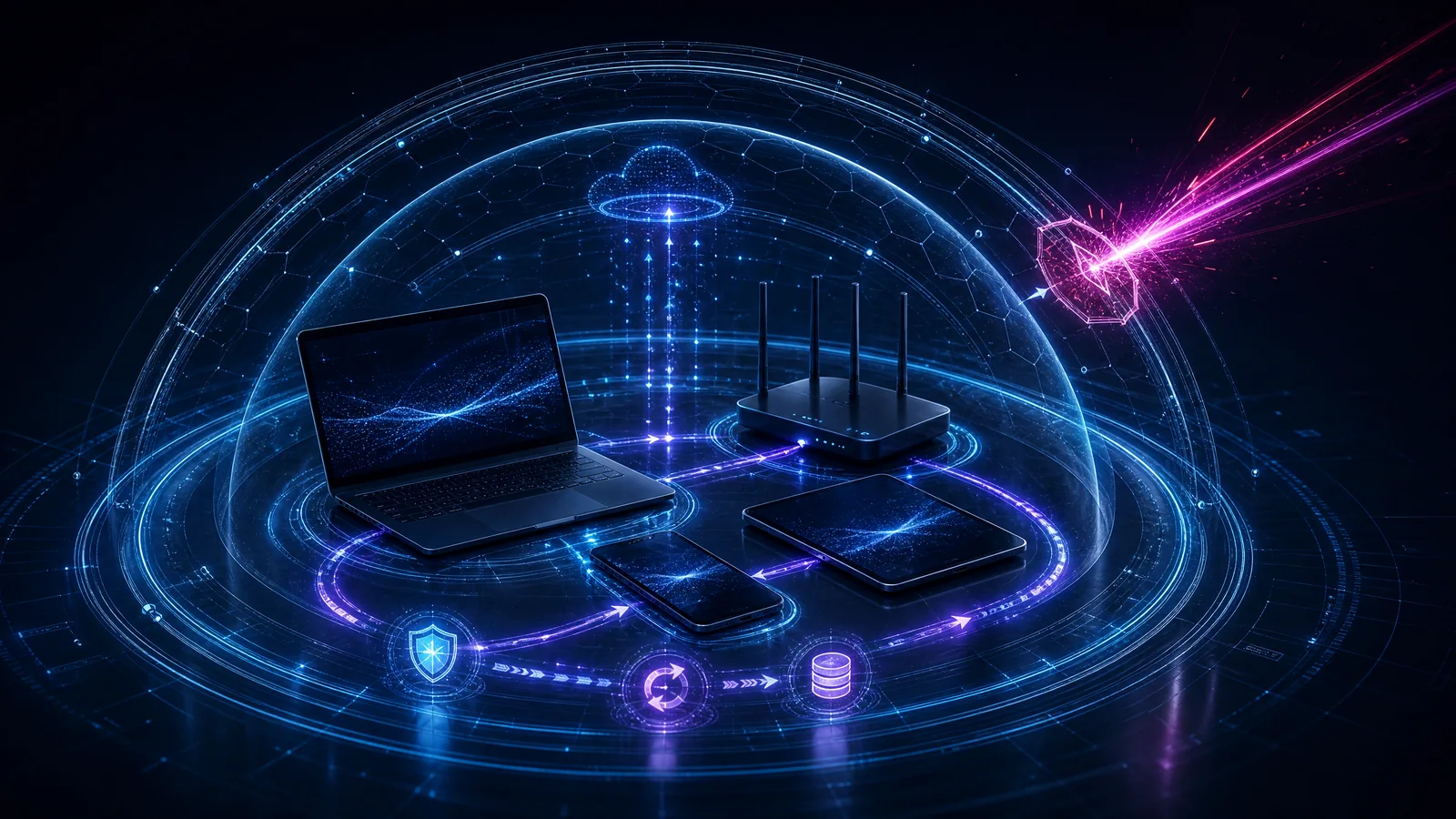
Personal device security is strongest when protective settings and recovery options are established before a loss or compromise. In an era where smartphones, tablets, and laptops serve as the primary gateways to our digital lives, securing these devices is paramount. This guide outlines fundamental security practices that individuals should adopt to protect their personal devices from common threats. By implementing a combination of strong authentication, regular software updates, and proactive data management, users can significantly reduce their risk exposure and ensure that their personal information remains secure even in the event of device loss or theft. The strategies detailed herein are designed to be accessible yet effective, forming a solid foundation for personal cybersecurity.
Understanding personal device security
Personal device security becomes easier to manage when the technology, human decisions, and operating context are examined together rather than as isolated controls. It involves a holistic approach that considers not just the technical settings on a device, but also the behaviors and environments of the user.
Effective security requires recognizing that devices are often targeted through a combination of technical vulnerabilities and social engineering. Therefore, a comprehensive defense strategy must address both the software running on the device and the actions of the person using it.
How does it work?
Attackers look for mismatches between how a system is designed and how it is actually used. Credentials, permissions, configurations, and trusted relationships can create paths that are invisible when each tool is reviewed alone.
By exploiting these gaps, malicious actors can gain unauthorized access to sensitive data or take control of the device. Security mechanisms work by closing these gaps through authentication, encryption, and access controls, creating multiple layers of defense that an attacker must bypass.
Why does it matter?
The practical risk is not only a technical weakness. It is the possibility that one failure can interrupt important work, expose sensitive information, or undermine confidence in a service.
Personal devices often contain a wealth of sensitive information, including financial records, personal communications, and identity documents. The compromise of a single device can lead to identity theft, financial loss, and significant personal distress.
Core protection strategies
Start with accurate ownership, narrow access, useful logging, secure defaults, and a rehearsed response. Protection improves when teams know which assets matter and who can make urgent decisions.
Implementing strong, unique passwords and enabling multi-factor authentication (MFA) are critical first steps. Additionally, keeping the device's operating system and applications up to date ensures that known vulnerabilities are patched promptly.
Managing data and backups
Regularly backing up data to a secure, off-device location is essential for recovery in the event of device loss, theft, or ransomware infection. Backups should be automated where possible to ensure they are consistently maintained.
Furthermore, enabling full-disk encryption protects data at rest, ensuring that even if the physical device is acquired by an unauthorized party, the information contained within remains inaccessible without the correct decryption key.
Network security considerations
Connecting to untrusted networks, such as public Wi-Fi, introduces significant risks. Users should employ Virtual Private Networks (VPNs) to encrypt their internet traffic when using such networks.
Disabling features like Bluetooth and Wi-Fi when not in use can also reduce the device's attack surface, preventing unauthorized connections and tracking by malicious entities in the vicinity.
Physical security measures
Physical access to a device often equates to full control. Therefore, devices should never be left unattended in public spaces and should be secured with strong screen locks, such as complex PINs or biometric authentication.
In environments where the risk of theft is high, utilizing features like 'Find My Device' and enabling remote wipe capabilities can provide a last line of defense to protect data if the device is lost or stolen.
Bring Your Own Device (BYOD) and Mobile Device Management
In modern work environments, many organizations adopt a Bring Your Own Device (BYOD) policy, allowing employees to use their personal smartphones, tablets, or laptops for work-related tasks. While this increases flexibility and can reduce hardware costs for the organization, it significantly complicates the security landscape. Personal devices are often not subjected to the same rigorous security controls as corporate-owned assets, making them attractive targets for cybercriminals seeking unauthorized access to sensitive company data.
To mitigate these risks, organizations frequently deploy Mobile Device Management (MDM) or Enterprise Mobility Management (EMM) solutions. These platforms allow IT administrators to enforce security policies on personal devices, such as requiring strong passwords, enabling device encryption, and configuring secure access to corporate networks via VPNs. In the event a device is lost or stolen, MDM solutions can also facilitate remote wiping of corporate data without affecting the user's personal information.
However, the implementation of MDM on personal devices raises valid privacy concerns among users. Employees may worry that their employer can monitor their personal activities, read private messages, or track their physical location. To address this, many modern MDM solutions employ containerization techniques. Containerization creates a secure, isolated workspace on the device specifically for corporate applications and data. This separation ensures that corporate data is protected and manageable by the organization, while the user's personal data remains private and untouched.
Users participating in BYOD programs must understand their organization's acceptable use policies and the specific capabilities of the MDM solution being deployed. Clear communication regarding what data the organization can and cannot access is crucial for maintaining trust and ensuring compliance with security directives. Ultimately, securing personal devices in a BYOD context requires a balanced approach that protects corporate assets without unduly compromising user privacy.
Application Permissions and Data Privacy
Modern mobile operating systems employ a permission-based model to restrict applications' access to sensitive device features and user data. When an application is installed or first run, it requests access to resources such as the camera, microphone, location services, contacts, and storage. Granting unnecessary permissions can expose users to significant privacy risks, as malicious or poorly designed applications may harvest sensitive information and transmit it to third parties without the user's explicit knowledge or consent.
Users should adopt a principle of least privilege when managing application permissions. This means granting only the permissions that are strictly necessary for the application to perform its intended function. For example, a navigation application legitimately requires access to location services, but a simple calculator application does not. Regularly reviewing the permissions granted to installed applications is a critical security practice. Both iOS and Android provide centralized privacy settings where users can audit and revoke permissions on a per-application basis.
Furthermore, users should be cautious of applications that request broad or overly intrusive permissions, especially if the requested access seems unrelated to the application's core functionality. In some cases, seemingly innocuous applications, such as flashlights or simple games, have been found to request access to contacts or location data for targeted advertising or data brokering purposes. When in doubt, it is safer to deny the permission or seek an alternative application that respects user privacy.
Recent advancements in mobile operating systems have introduced more granular control over permissions, such as the ability to grant access only while the application is actively in use or to provide approximate rather than precise location data. Leveraging these features can significantly reduce the risk of unauthorized data collection and enhance overall device security and user privacy.
Conclusion
Good personal device security practice turns technical signals into clear priorities. The objective is to reduce avoidable exposure and respond with confidence when conditions change.
By proactively implementing these security measures, individuals can significantly enhance the protection of their personal devices, safeguarding their digital lives against a wide array of cyber threats.
Decision checklist
- Enable automatic software updates for the OS and all apps.
- Set a strong, complex screen lock (PIN, password, or biometric).
- Turn on full-disk encryption if not enabled by default.
- Set up automated backups to a secure cloud or external drive.
- Enable 'Find My Device' and remote wipe features.
- Review and restrict app permissions regularly.
- Avoid connecting to public Wi-Fi without a VPN.
- Use a password manager to generate and store unique passwords.
Limitations
- Security measures cannot eliminate all risks, particularly those involving sophisticated targeted attacks or zero-day vulnerabilities.
- User compliance and awareness are critical; technical controls can be bypassed by human error or social engineering.
Evidence sources
- Cybersecurity and Infrastructure Security Agency (CISA) — Protect the Physical Security of Your Digital Devices
- National Institute of Standards and Technology (NIST) — Guidelines for Managing the Security of Mobile Devices in the Enterprise
- National Security Agency (NSA) — Mobile Device Best Practices
- Harvard Information Security — Best Practices - Your Personal Device